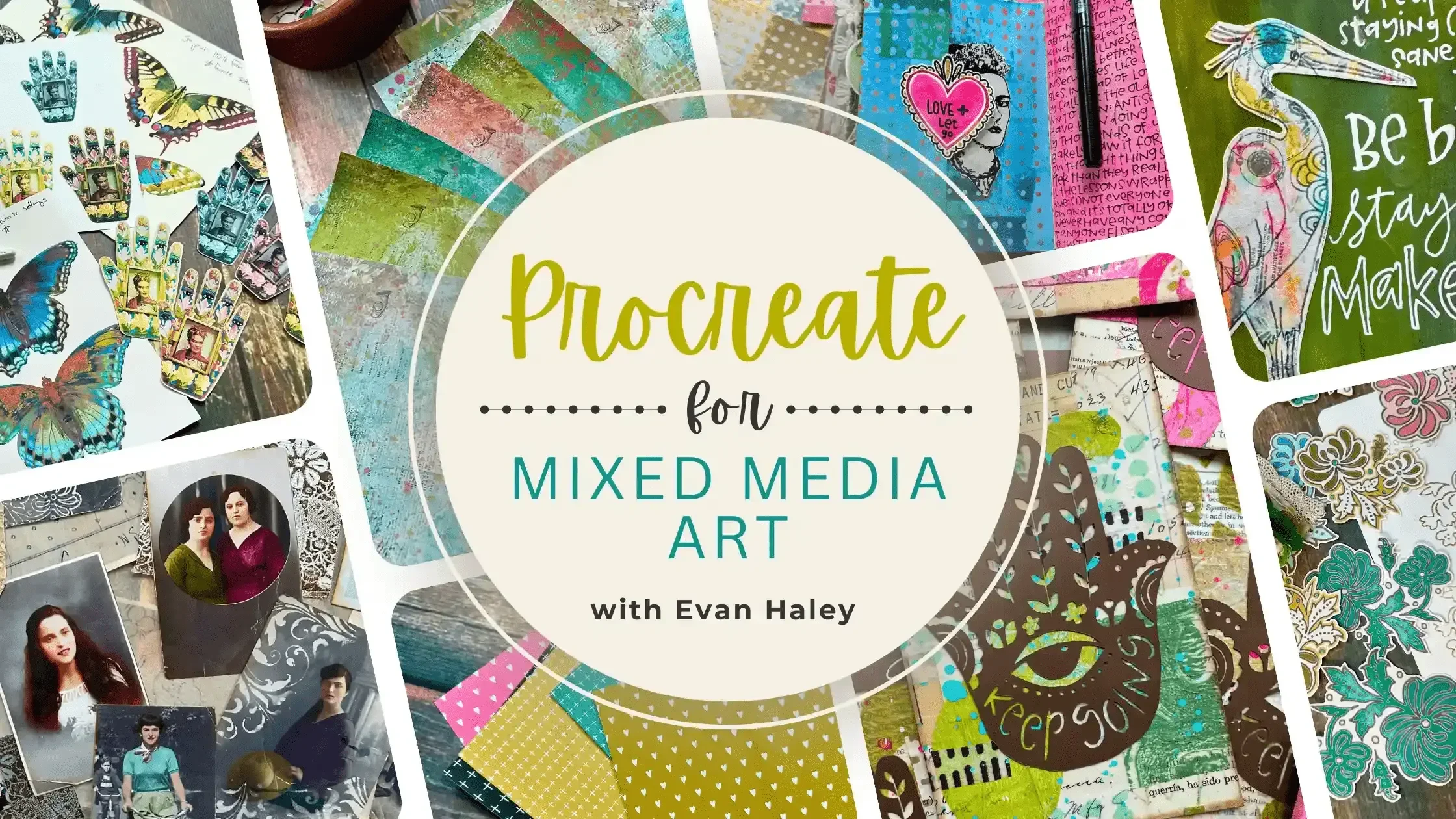
Beginner Procreate Course for Mixed Media Collage Artists
A calm, step-by-step way to finally understand Procreate
(and use it beautifully in your mixed media collage work!)
If you’ve ever tried to learn Procreate and walked away feeling confused, overwhelmed, or quietly convinced that your brain just isn’t wired for this kind of technology… you’re in exactly the right place.
Procreate for Mixed Media Artists is a deeply supportive, beginner-friendly online course designed specifically for mixed media collage artists who want to learn digital art at a comfortable pace — without confusing jargon or stressful tech overwhelm.
This is not a generic Procreate course.
And it’s not about becoming a digital artist.
It’s about using Procreate as a powerful companion to the analog art you already love.
Yes, I Want Procreate to Finally Make Sense!
(If you already/are-going-to own a Cricut or other cutting machine, scroll down to learn about our Procreate + Cricut version of this course!
One time Payment - $297 USD + tax
4 payments of $79 USD + tax
Now, watch this video for all the juicy details!
What you’ll learn in Procreate for Mixed Media Art
This course is expansive, but never chaotic. Topics include:
-
![Colorful mixed media art papers with textures and abstract designs, labeled "Mixed Media Messy Papers."]()
Foundations & Mindset
Learning Procreate through familiar, real‑world analogies
Building visual analysis and descriptive skills for digital art
Understanding layers, undo, and non‑destructive workflows
-
![]()
Digital Asset & Reference Libraries
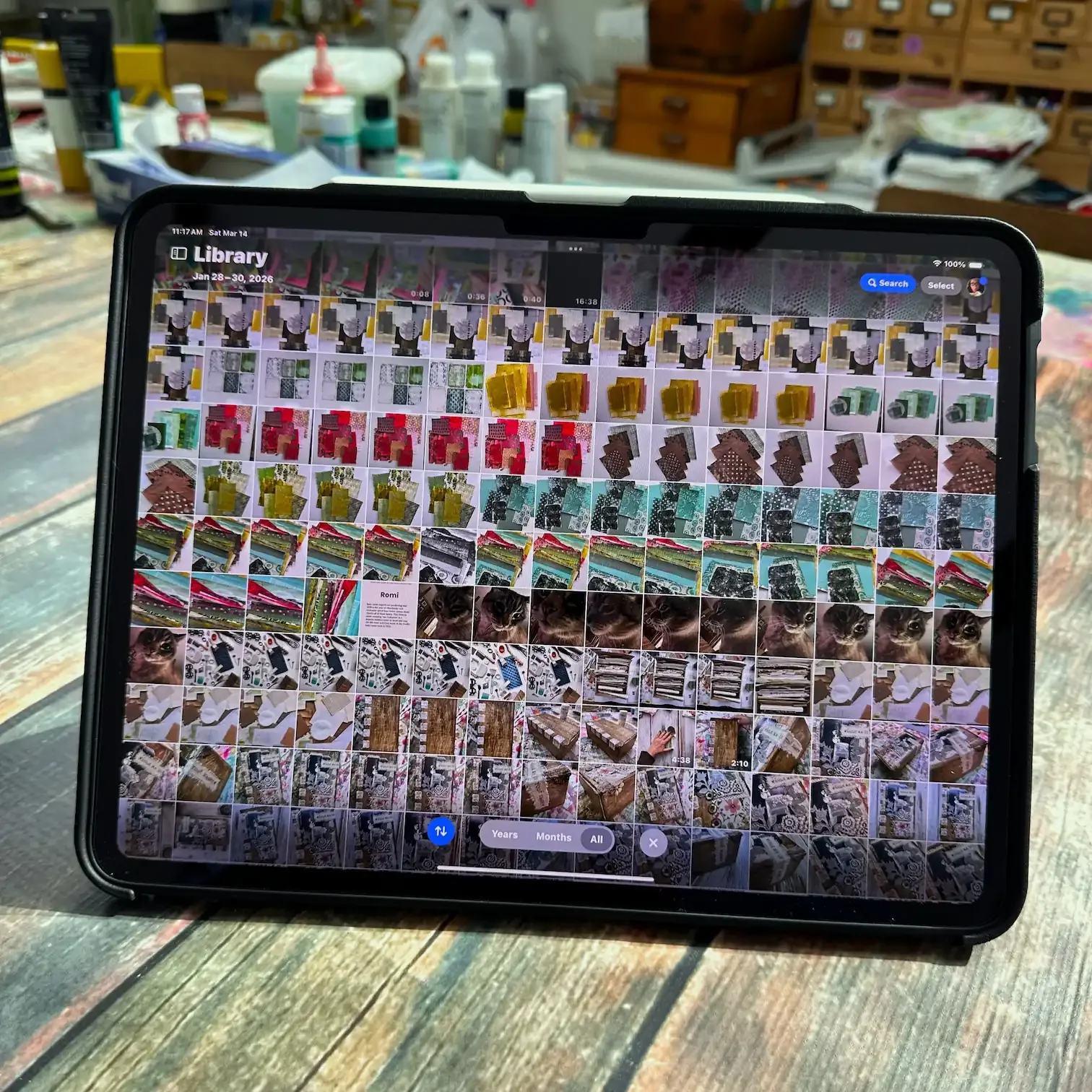
Importing and organizing photos on your iPad
Using social media and online resources intentionally
Understanding image formats, sizes, and print resolution
Ethical use of reference material and creative property
-
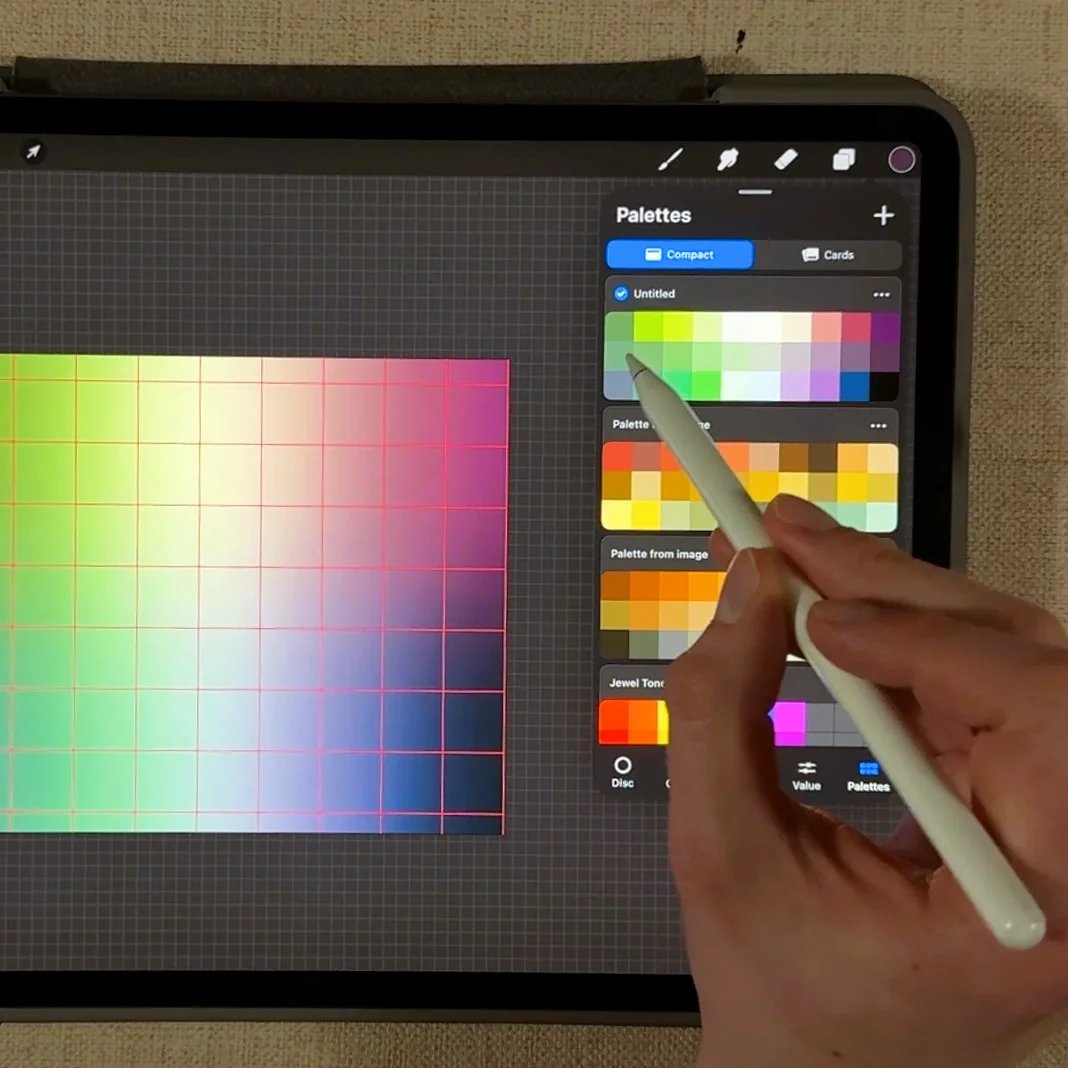
![A hand uses a stylus on a tablet in Procreate, browsing a color palette grid and palette selection menu in a digital art app.]()
Color, Tools & Typography
Creating and saving custom color palettes
Understanding CMYK vs RGB for printing
How to add and work with Procreate brushes and fonts
-
![]()
Printables & Collage Fodder Creation
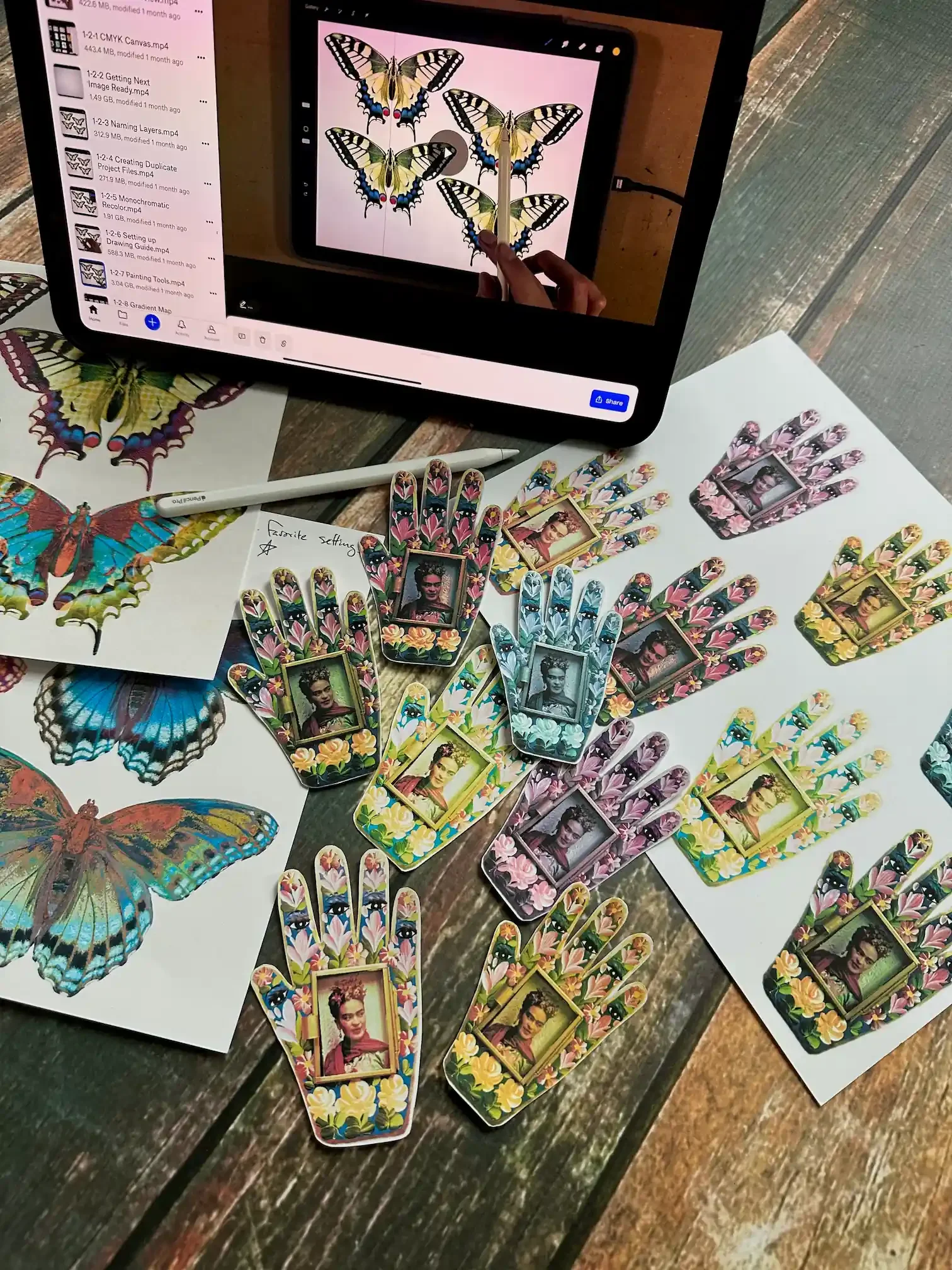
Creating your first printable
Removing backgrounds and refining selections
Recoloring techniques and visual transformations
Texture overlays, adjustments, and effects
-
![]()
Advanced Creative Techniques
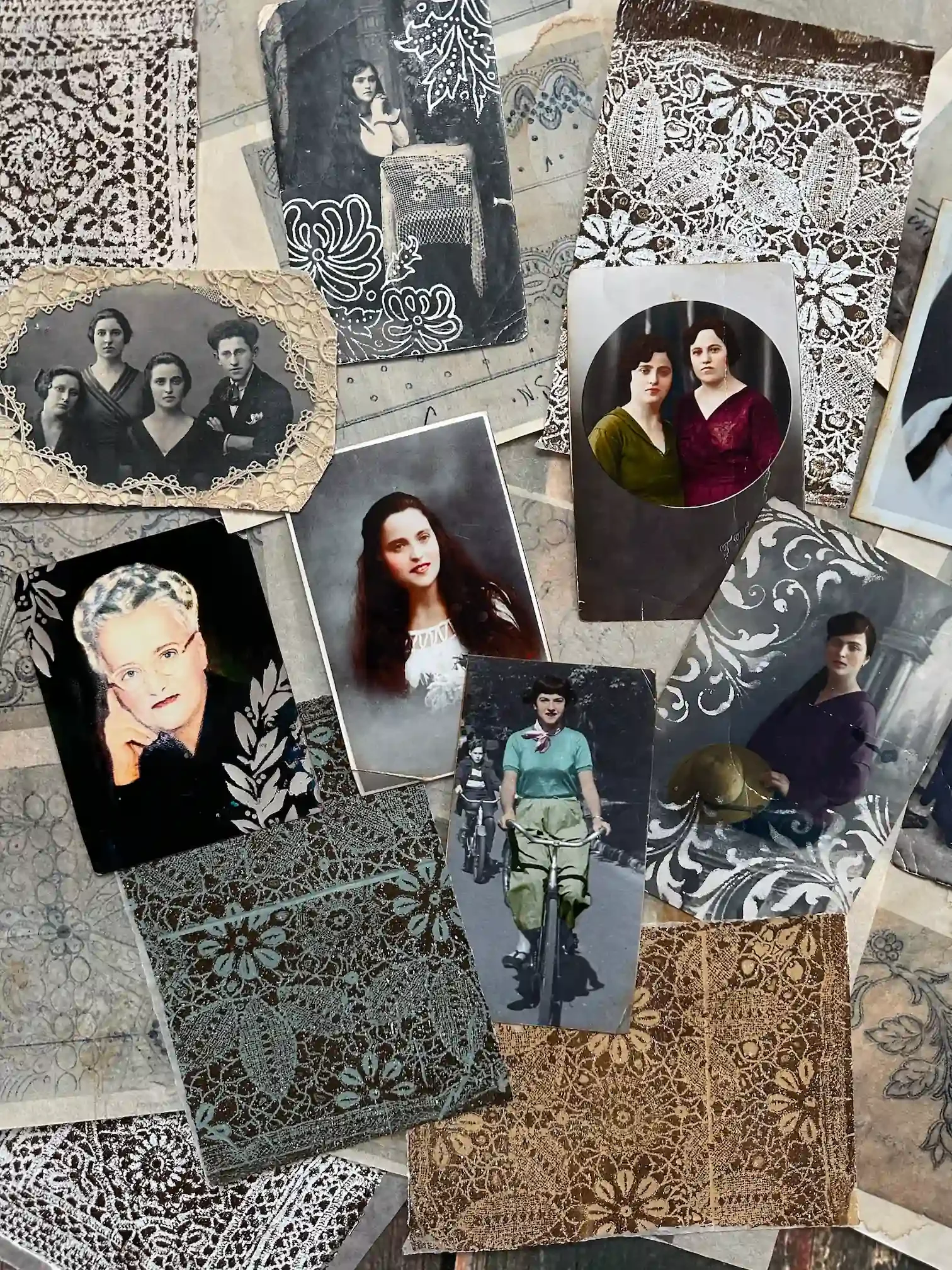
Working with vintage photos
Creating repeating patterns
Asemic writing
Designing scrapbook papers and reference compositions
-
![]()
Optional Cricut & Sticker Workflows
Creating sticker sheets (with or without a cutting machine)
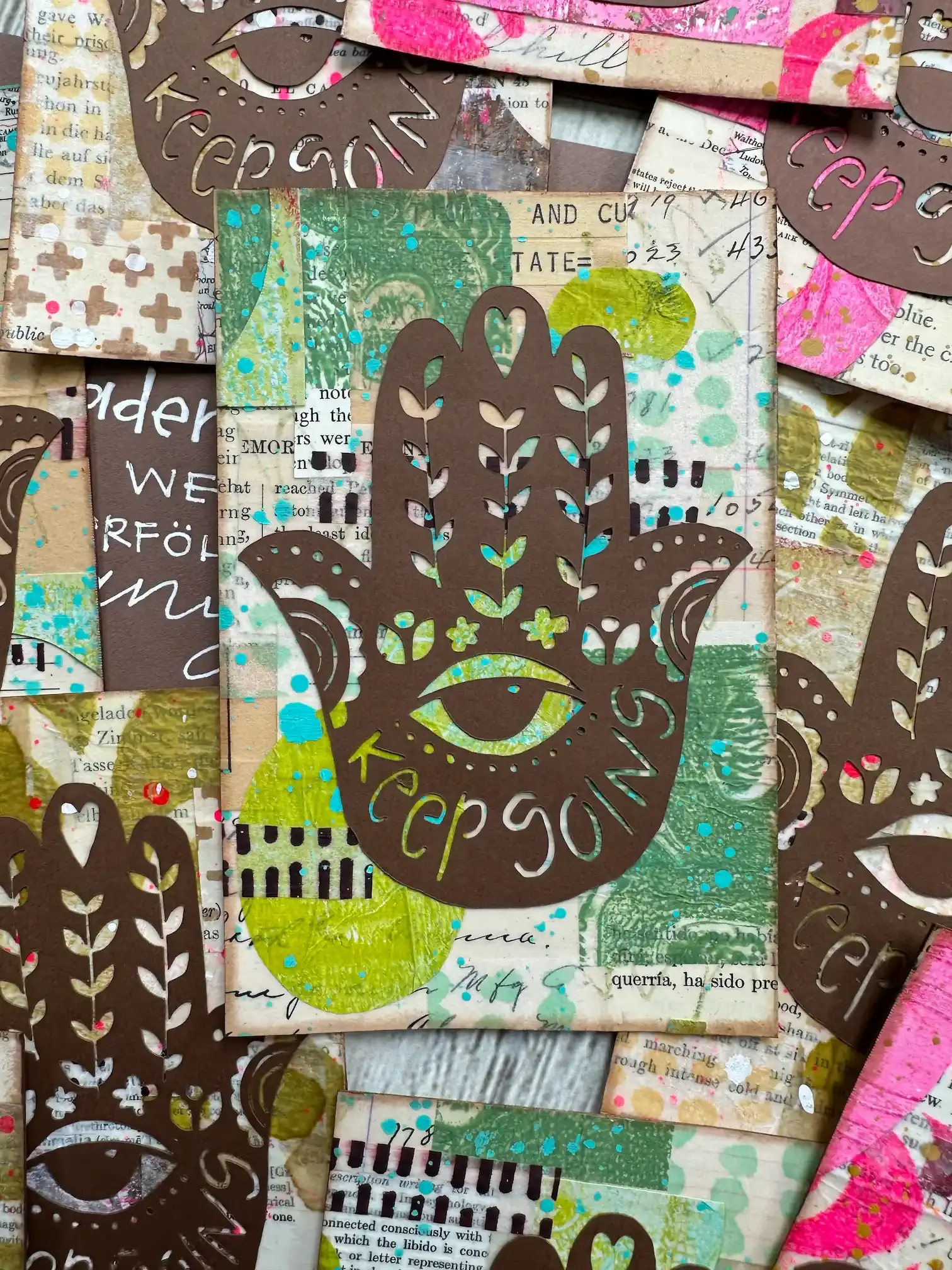
Designing stencils and masks
Preparing files for Cricut workflows
Procreate for Mixed Media Artists unfolds over 10 weeks, with a new module released every Friday beginning on April 3rd, 2026. Once a lesson is released, you will have lifetime access to it in the classroom, no matter when you enroll!
Here’s how the course works
This gentle pacing gives your brain time to:
Practice
Repeat
Absorb
Build real confidence
Each module includes:
In‑depth video lessons
Guided, hands‑on exercises
Artist‑centered projects
Plus live support…
Evan (your instructor) hosts live Zoom office hours session for every module.
Ask questions, get unstuck, or simply listen and learn.
All sessions are recorded and included.
& Lifetime access!
Once enrolled, you’ll have lifetime access to the full course, recordings, and materials.
Learn at your own pace. Return anytime.
Want the full experience with Cricut?
There are two versions of this course, and you’re getting incredible value either way.
Option 1:The core course teaches you the full Procreate-for-Mixed-Media workflow, walking you step-by-step through using Procreate to create mixed media collage elements and reusable digital collage assets for your artwork.
Option 2: For students who already have a Cricut machine, there’s also an expanded version that includes everything in Option 1, plus bonus modules showing how to connect your Procreate designs to your Cricut so you can cut your own shapes, papers, and collage elements. Cricut owners (and potentially owners of other cutting machines) will love the extra projects in the expanded version.
The standard course is a complete creative experience on its own, but if you have a Cricut, the expanded version opens the door to a whole extra layer of creative fun you won’t want to miss!
Option 1
Option 1 Payment Plan
Option 2 (+ Cricut)
Option 2 (+ Cricut) Payment Plan**
Who this course is for
This course is for you if:
You love mixed media collage and creating collage fodder
You’ve tried (and struggled) to learn Procreate in the past
Technology tends to feel overwhelming or confusing
You want to create printable digital art elements on demand
You want digital tools that support your traditional or analog art practices
You do not need:
To be tech-savvy
To be a digital illustrator
To own a cutting machine (Cricut use is optional)
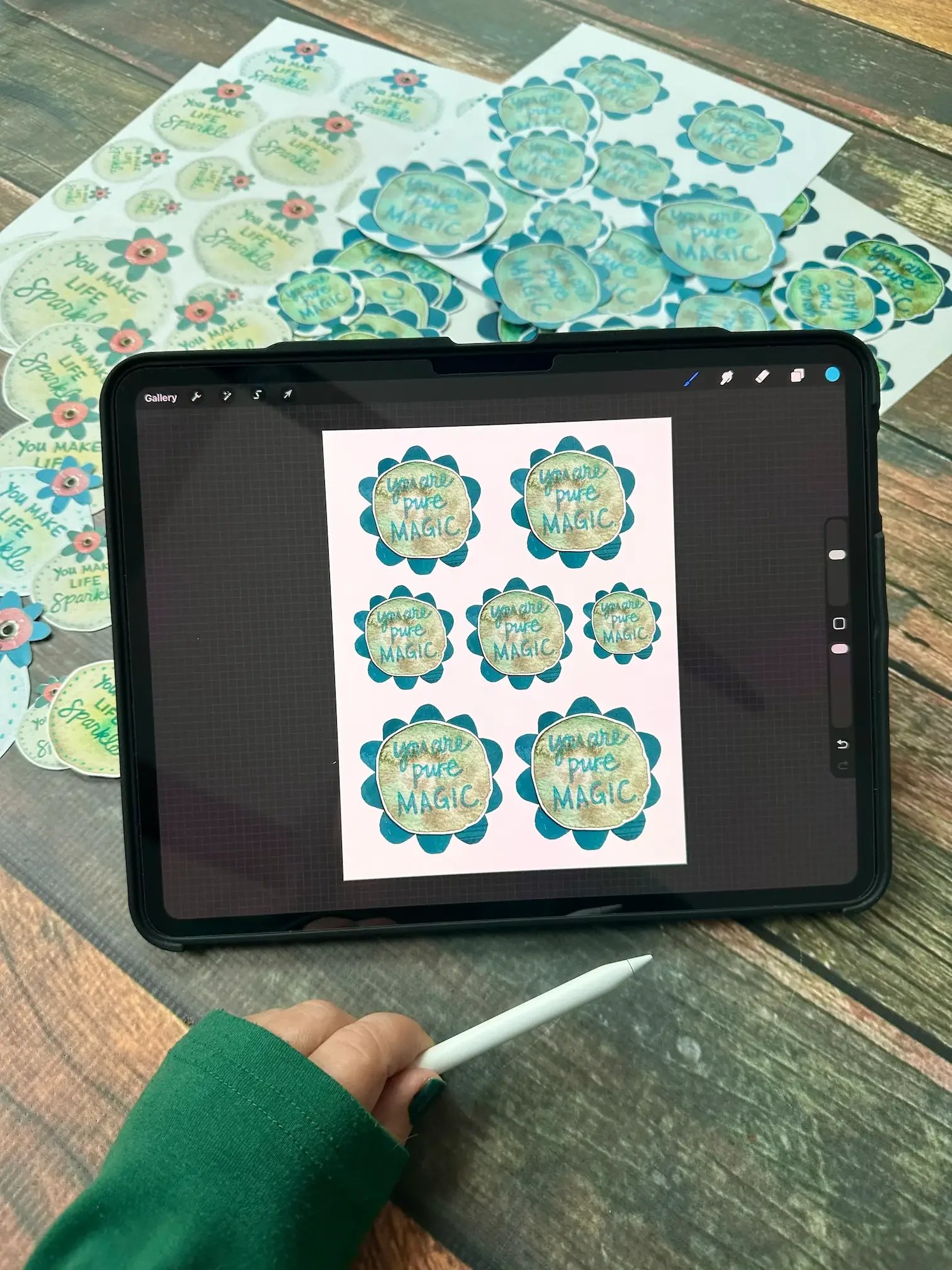
What you’ll be able to do
With an iPad, Procreate, and a home inkjet printer, you’ll learn how to:
Create custom collage fodder from scratch
Build a reusable digital asset library
Recolor, resize, and transform imagery with ease
Design elements digitally and bring them into physical artwork
Explore color, repetition, scale, and variation without fear
Cutting machines like Cricut can expand the possibilities — but they are entirely optional.
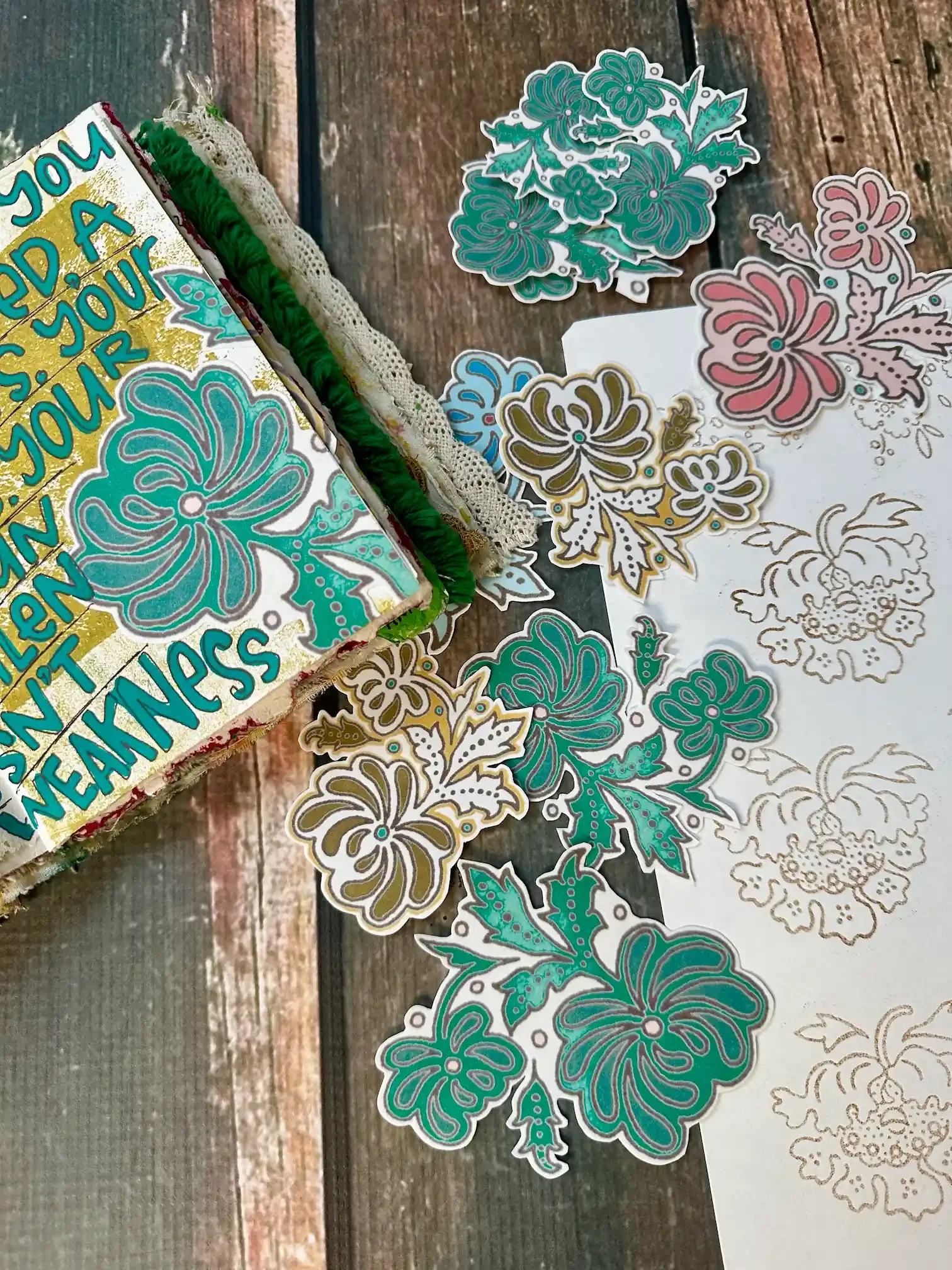
I’m Ready to Learn Procreate — Gently
Option 1: Procreate for Mixed Media Art
Option 2: Procreate + Cricut for Mixed Media Art
Option 1
Option 1 Payment Plan
Option 2 (+ Cricut)*
Option 2 (+ Cricut) Payment Plan**
Why this course exists
Here’s the honest truth.
Wendy tried to learn Procreate in the past.
It did not go well.
Like many artists, she bounced off the menus, gestures, and settings — the experience felt rushed, overly technical, and completely disconnected from how traditional mixed media artists actually work.
At the same time, inside Fodder School, something interesting was happening.
Artists were quietly using Procreate to:
Create repeatable collage fodder
Design and print custom elements on demand
Build reusable digital collage assets
Combine digital flexibility with hands-on, tactile mixed media art practices
It became clear that Procreate could be transformative for mixed media collage artists…
It just wasn’t being taught in a way that respected how real artists learn.
So Wendy teamed up with Evan Haley, Executive Producer at Willa Workshops — someone who knows Procreate inside and out — and asked a simple but radical question:
What if Procreate were taught for the older, less tech‑savvy artist first?
This course is the answer.
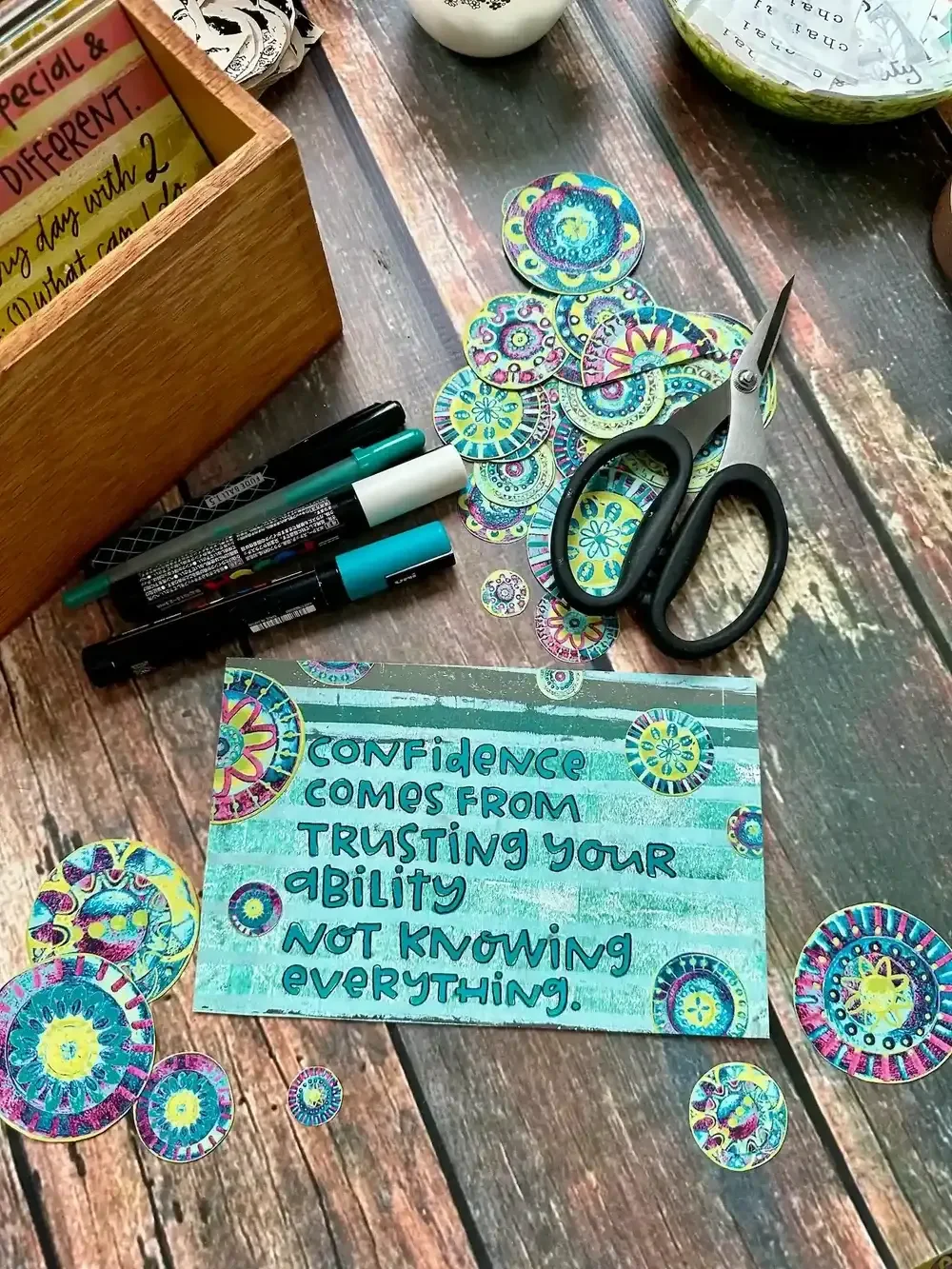
This Course Is Where Everything Begins
Every lesson in this course was designed and tested with one guiding question:
Would Wendy actually be able to learn this?
The result is a course that is:
Slow on purpose
Repetitive when repetition helps
Structured for retention, not speed
Grounded in real mixed media workflows
The goal was never perfection, but helping you feel comfortable enough to simply create.
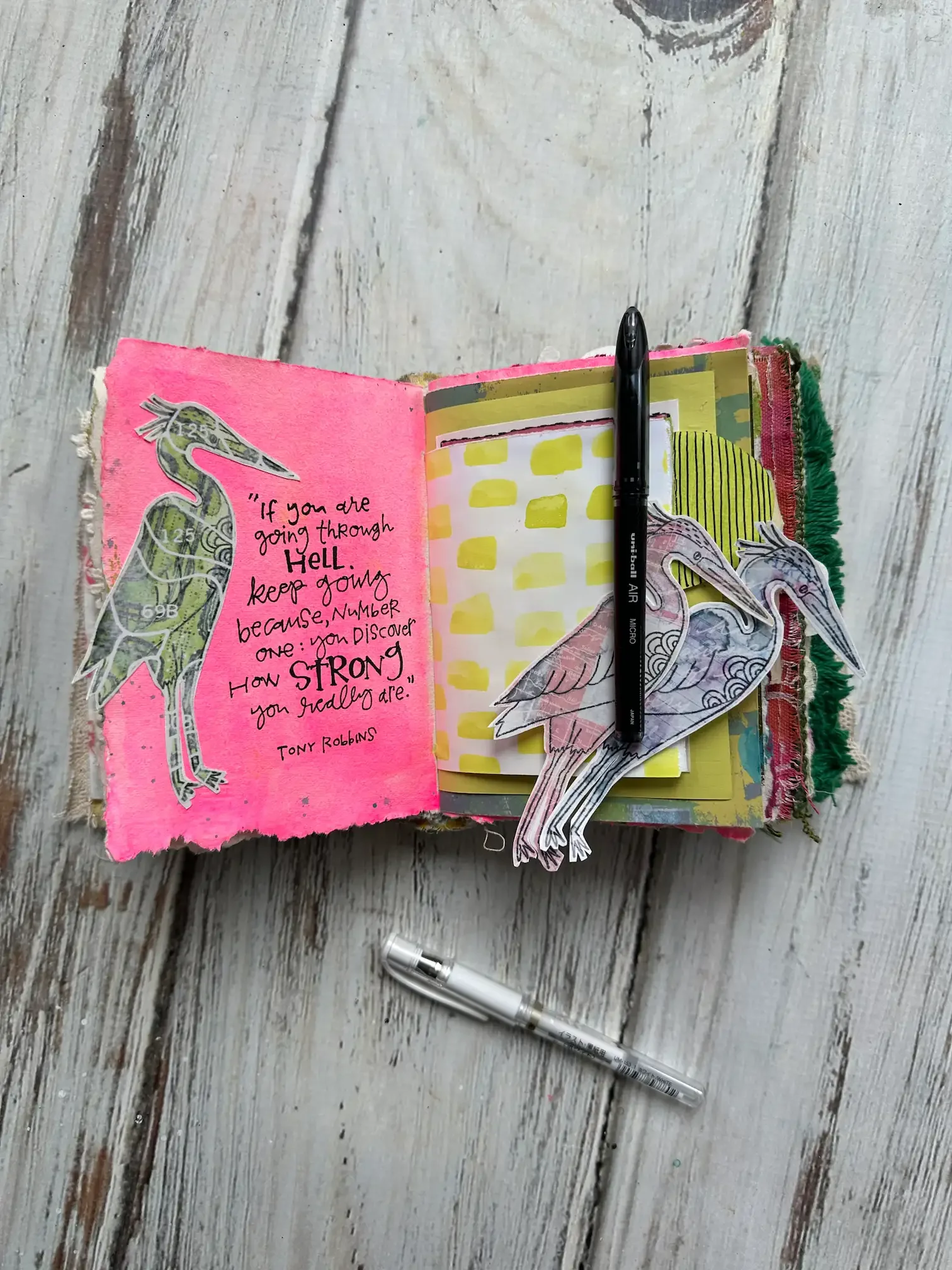
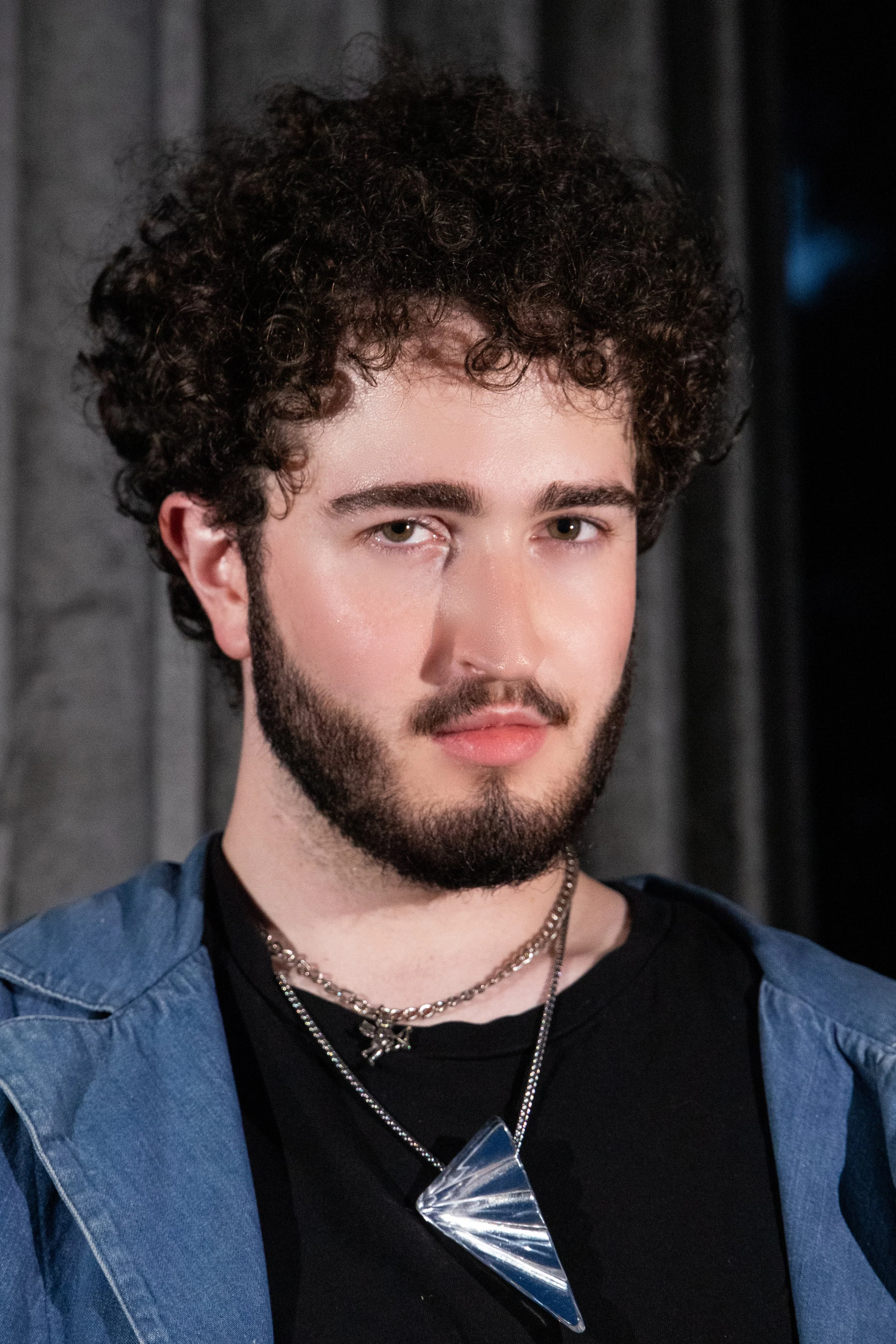
Meet Your Teacher, Evan Haley
On top of serving as the Executive Producer at Willa Workshops, Evan is also an experienced Procreate instructor with a rare combination of skills: deep technical knowledge and the ability to teach Procreate in a calm, clear, and stress-free way for beginners.
Evan’s teaching style is patient, encouraging, and easy to follow
He’s passionate about helping students build confidence without pressure or perfectionism
Evan doesn’t just teach which buttons to press — he teaches how an artist thinks inside Procreate
Join Procreate for Mixed Media Artists!
Option 1: Procreate for Mixed Media Art
Option 2: Procreate + Cricut for Mixed Media Art
Option 1
Option 1 Payment Plan
Option 2 (+ Cricut)*
Option 2 (+ Cricut) Payment Plan**
Procreate for Mixed Media Art FAQs
-
Yes, most of the techniques I teach in this course can also be done in other digital art applications. While the lessons are taught using Procreate, many tools have similar names and functions across programs, so it should still be possible to follow along.
You may need to locate equivalent tools in your software on your own, but the overall mixed media lessons and creative techniques will still apply.
-
As of May 2026, if you are downloading Procreate for the first time, your device will need iPadOS 16.3 or later, as this is the current requirement listed in the App Store. To check your version, go to the Settings app, tap “General,” then select “About.” For reference, I am using an iPad purchased in 2020, which runs the course content without any issues.
If you have an older iPad and already have Procreate installed, you should still be able to continue using it. The interface has remained largely consistent in recent years, with the most recent update primarily focusing on new brushes rather than significant layout changes.
-
I don't think the Apple Pencil is strictly necessary for Procreate, but you definitely can't get fine-tuned brush control with just your fingers. Most other tools in Procreate should work fine, at the very least.
-
When you bring an image into Cricut Design Space, the software automatically converts it into a cut-ready file (called an SVG). It doesn’t clearly explain this, but that is what’s happening behind the scenes.
You’ll still need to select which parts of the design you want to keep or remove for cutting, which is why I teach the Cricut cutting process step-by-step the way I do.
If your machine’s design software can convert images into SVGs, you should be able to follow along relatively easily!
-
Yes, we are assuming everyone who signs up for this course has never even touched Procreate or a Cricut, so I will teach both from the ground up. In the Equipment Setup module of the + Cricut classroom, there is a video of me and Wendy setting up her Cricut, straight out of the box!
-
Wendy bought the Cricut Maker 4, which is what I'm demonstrating on in the course. I do believe all Cricuts use the same Design Studio software though.
The Maker series is designed with heavy-duty substrates in mind, making it quite foolproof for loading custom fodder. I think the Explore series can handle most, if not all, of what you'd be throwing at it too. I wouldn't recommend the Joy series given its significantly smaller canvas size, but you could still use it in theory!
Willa Workshops General FAQs
-
There are no refunds on online courses
-
You will have “Lifetime” Access to all classes unless otherwise mentioned—"Lifetime" is relevant to the lifespan of the Willa Workshops business (I don't plan on leaving anytime soon!) or the longevity of the technology.
-
This class includes captions in English, Spanish, Portuguese, French, Italian, German, Hindi, and Hebrew
-
All Willa Workshops lesson content is prerecorded video. Once your purchase is complete, you will have instant access to the classroom, and are free to work through the content at your own pace
You can access Teachable and watch the lessons in your browser (PC, Mac, Android) or the Teachable app for iOS (recommended for iPhone and iPad)
-
No, at least not available as local downloads to your device. The Teachable app for iOS may allow you to download lessons for offline playback.
-
No. One student per registration. This is an honor system that if violated will result in your removal from the course with no refund.
-
Please do! Always tag @willa.wanders and mention the course in your post description
-
Yes! Please keep them for yourself, give them as a gift, or sell them.
-
That's a hard no.
There's an endless amount of incredible art tutorial content in every Willa Workshops course. For some creatives, it's tempting to want to use these videos as a well of inspiration for their own creative enterprise, YouTube channel, brand, etc.
Willa Workshops Courses are not sold with permission for anyone to use it in this way--specifically, as a source of inspiration for any one's free how-to social media tutorial content, whether that be on YouTube, Instagram, TikTok or any other social media platform.
If you are a creative who loves to share your work with the world, that's wonderful! I love it when participants share their finished projects in photos and videos on social media. Please tag me @willa.wanders, I'd love to support you!
But making how-to videos of yourself while creating from the lesson content or obviously inspired and derivative of Willa Workshops course content, and then posting those tutorials on any free social media platform, will get you banned from Willa Workshops with no refund issued.
If you’ve ever thought “I’m just not good at this stuff”…
This course was built with you at the center.
It goes beyond teaching software and into:
Artistic thinking, Sustainable workflows, & Creative confidence
It’s not about keeping up.
It’s about finally feeling capable.
Procreate for Mixed Media Artists is a complete, artist‑centered learning experience — created with care, patience, and deep respect for how artists actually learn.
We can’t wait to welcome you in!
Option 1: Procreate for Mixed Media Art
Option 2: Procreate + Cricut for Mixed Media Art